
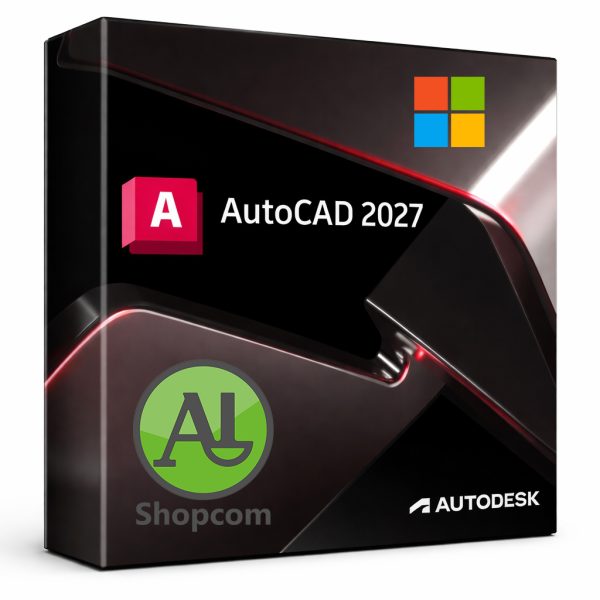
AutoCAD 2027
14288 DT
Download link :
https://www.shopcom.tn/product/autocad-2027/download
Payment :
https://www.shopcom.tn/payment
AutoCAD 2027 : Design Every Detail with Precision and Intelligence
AutoCAD 2027 is the latest release of the industry-leading CAD software, empowering architects, engineers, and designers to create precise 2D drawings and intelligent 3D models. Building on decades of innovation, this version focuses on automation, collaboration, and specialized toolsets to help you bring ideas to life faster than ever.
Key Features
1. Streamlined 2D Drafting
Create and edit complex floor plans, schematics, and layouts with unparalleled accuracy. The enhanced Smart Dimensioning now uses AI to predict the correct annotation type, automatically applying tolerances and constraints based on your drawing context. The Block Palette has been redesigned for drag-and-drop efficiency, with real-time cloud access to thousands of dynamic blocks.
2. Powerful 3D Modeling
Model solids, surfaces, and meshes with ease. AutoCAD 2027 introduces Adaptive Subdivision Modeling, allowing you to push and pull faces, edges, and vertices with real-time curvature adjustment—perfect for organic shapes and ergonomic designs. The History Viewer tracks every modification, letting you roll back to any previous state or compare design iterations side-by-side.
3. Automation with Machine Learning
The new Auto-Constrain Assistant analyzes your rough sketches and converts them into fully constrained geometry with a single click. Pattern Recognition learns your repetitive commands (e.g., layering, hatching, or dimensioning) and offers to automate them as macros. The Purge Suggestions tool proactively identifies orphaned data, unused blocks, and nested references to keep your file sizes lean.
4. Collaborative Design Hub
Connect your desktop to the cloud seamlessly. The Shared Views feature now supports live annotations and markup resolution—when a colleague marks a redline, you see the change instantly in your drawing. Activity Insights provides a timeline of who changed what and when, making team coordination effortless.
5. Specialized Toolsets (Included)
Get seven industry-specific toolsets with your subscription:
-
Architecture: Generate floor plans, elevations, and schedules automatically.
-
Mechanical: Create bill of materials (BOM) and standard parts libraries.
-
Electrical: Design control circuits and panel layouts.
-
Map 3D: Integrate GIS data and infrastructure mapping.
-
Plant 3D: Model process plants with spec-driven components.
-
MEP: Draft HVAC, piping, and electrical systems.
-
Raster Design: Convert scanned images into editable vector geometry.
6. Performance & Compatibility
-
Faster Save/Open: Up to 30% improvement for drawings with large xrefs.
-
GPU-Accelerated Pan/Zoom: Smooth navigation even in 3D orbit mode.
-
DWG Compare 2.0: Highlights differences between revisions using color-coded overlays.
-
Backward & Forward Compatible: Open, edit, and save back to AutoCAD 2018 format without data loss.
7. Smart Customization
The Enhanced AutoLISP editor now includes syntax highlighting, debugger breakpoints, and a library of pre-built AI functions. Actions Recorder lets you record sequences of commands and replay them across multiple drawings without writing a single line of code.
System Requirements (Windows)
-
64-bit OS: Windows 10 or 11
-
Processor: 3+ GHz (4+ cores recommended)
-
RAM: 16 GB (32 GB for 3D modeling)
-
Graphics: 4 GB VRAM, DirectX 12 compliant
-
Storage: 12 GB SSD (plus 10 GB for toolsets)
Why Upgrade to AutoCAD 2027?
-
Save time: AI-driven automation reduces manual cleanup by up to 40%.
-
Reduce errors: Smart constraints catch geometric inconsistencies before plotting.
-
Work anywhere: Web and mobile apps let you view, edit, and share DWG files from a browser or tablet.
-
Stay current: Continuous updates deliver new features every quarter, not once a year.
AutoCAD 2027 is not just a tool—it’s a design partner. From skyscrapers to microchips, from product packaging to city infrastructure, it gives you the precision to execute and the flexibility to innovate. Whether you are a seasoned professional or a student just starting, AutoCAD 2027 adapts to your workflow and grows with your skills.
Produits similaires
-

Inventor Pro 2026.2.1
17689 DT -

Revit 2026.3
20544 DT -

3ds Max 2026.3.2
13496 DT -

Maya 2026.3
13496 DT
Avis
Il n’y a pas encore d’avis.