
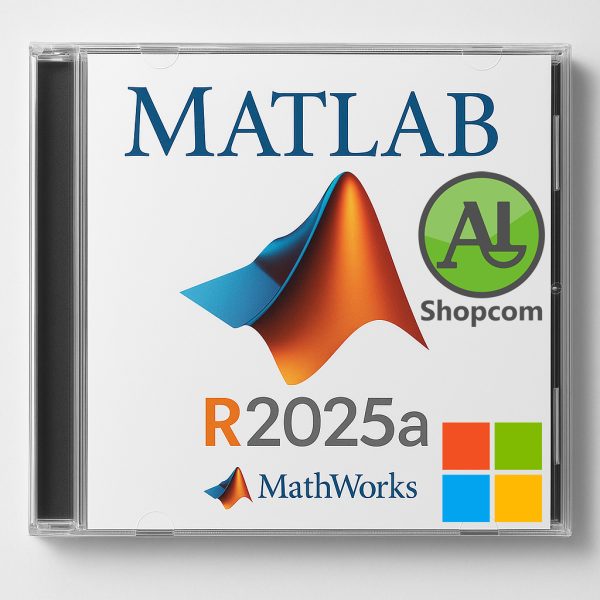
MATLAB R2025a
6232 DT
Download link :
https://www.shopcom.tn/product/matlab-r2025a/download
MATLAB R2025a Overview
Released in May 2025, MATLAB R2025a introduces a comprehensive overhaul of the desktop environment, enhanced integration with modern development tools, and expanded support for GPU computing. These updates aim to improve user experience, streamline workflows, and leverage advanced hardware capabilities.
Major Updates and Features
1. Modernized Desktop Interface
- Customizable Layouts: The new desktop features customizable sidebars on the left, right, and bottom, allowing users to tailor their workspace by docking panels such as the Debugger, Project, and Source Control.
- Theming Options: Users can switch between light and dark themes to match their preferences, enhancing visual comfort.
- Figure Container: Figures now open as tabs within a figure container, enabling users to tile, resize, and group figures interactively.
- Web-Based Architecture: The desktop and graphics system have been rebuilt using JavaScript and HTML, aligning with MATLAB Online and facilitating a consistent experience across platforms.
2. Enhanced Live Editor Capabilities
- Plain Text Live Code Format: Live scripts and functions can now be saved in a plain text (.m) format, improving compatibility with version control systems.
- Embedded Media: Users can embed YouTube videos directly into live scripts, enriching documentation and presentations.
- Markdown Support: The editor now supports Markdown rendering, allowing for improved formatting and documentation within scripts.
3. MATLAB Copilot Integration
A new feature that integrates generative AI models into MATLAB workflows, assisting users with code suggestions, explanations, and documentation generation.
4. Improved GPU Computing
- Expanded GPU Functionality: Support for NVIDIA GPU acceleration has been extended to 1,256 functions across 17 toolboxes, enhancing performance for computationally intensive tasks.
- Ray Tracing Example: A demonstration using GPU acceleration shows a 3.6x speedup in ray tracing analysis for antenna design.
5. Enhanced Accessibility
- Screen Reader Support: Full screen reader support has been integrated, enabling users to interact with the Command Window, navigate the desktop, and create and edit MATLAB code files.
- Keyboard Navigation: Improved keyboard interactions across UI components enhance usability for users with disabilities.
Produits similaires
-
SolidWorks 2025 SP4.0 Premium
31735 DT -
Tekla Structures 2025 SP5
51154 DT -
Ansys 2025 R2
5386560 DT -

Enscape V4.13.0.619
3331 DT
Avis
Il n’y a pas encore d’avis.